Category: General
-
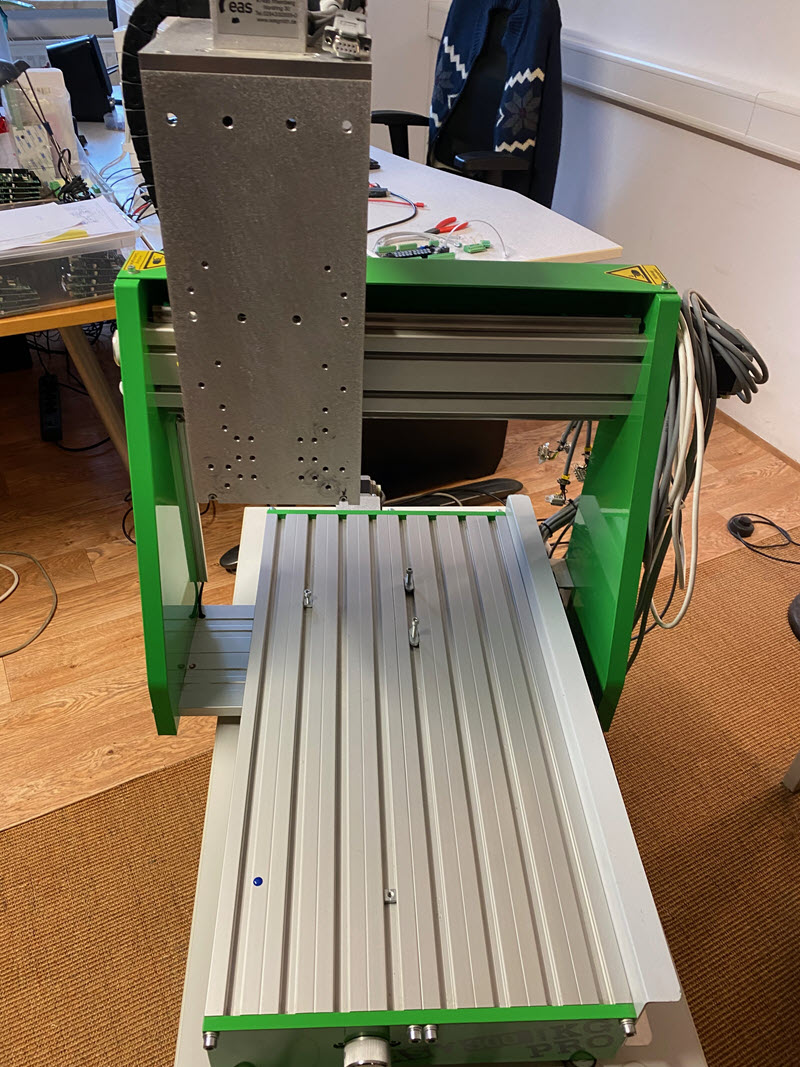
Gebrauchte CNC Fräse – jetzt zum Verkauf
Diese CNC Fräse wurde ursprünglich für interne Tests unserer CNC-Steuerungssoftware cncGraF angeschafft. Die Maschine befindet sich in sehr gutem Zustand und wurde nur selten genutzt – sie steht in unserem Büro und diente ausschließlich der Erprobung von Bewegungsabläufen und Geschwindigkeiten in Verbindung mit unserer Software. Dabei wurden keine Fräsarbeiten durchgeführt.
-
Upgrade von cncGraF 7, NC-EASY (EAS GmbH), InfoCAM (Infotec Team) auf cncGraF 8
In diesem Artikel zeigen wir Ihnen Schritt für Schritt, wie Sie kostenlos von cncGraF 6/7, InfoCAM (Firma Infotec Team) oder NC-EAS(Y) (Firma EAS GmbH) auf die neue cncGraF 8 Version wechseln können – inklusive Übernahme Ihrer bisherigen Einstellungen.
-
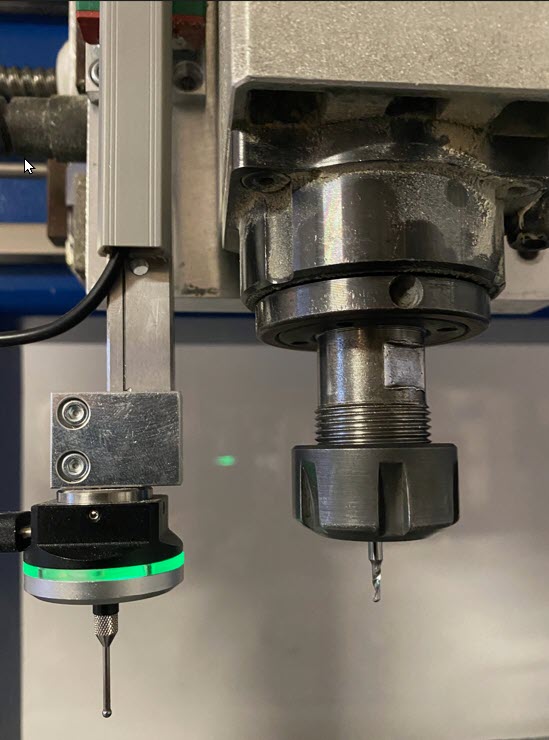
3D finder: Simple zero point determination and measurement
The 3D finder, also known as a 3D touch probe, is a tool that is used specifically for zero point determination and measurement on CNC machines. This article first explains how the 3D touch probe is calibrated on a CNC machine and then describes how it can be used efficiently.
-
G-code drilling cycle G81, G82, G83, G73 and G84: Step-by-step instructions
In this article, we will take a detailed look at the G-code drilling cycle. You can then easily integrate these commands into your projects. Have fun reading!
-
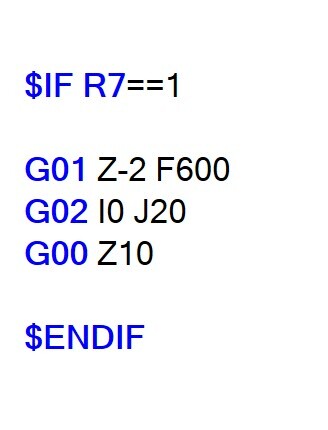
Learning G-Code Part 2/2: Advanced CNC programming
In the first part of the series „CNC programming: learning G-code - quick and easy“, we learnt the basics of G-code. In this article, you will learn more commands such as subroutines, loops, IF statements and R parameters.
-
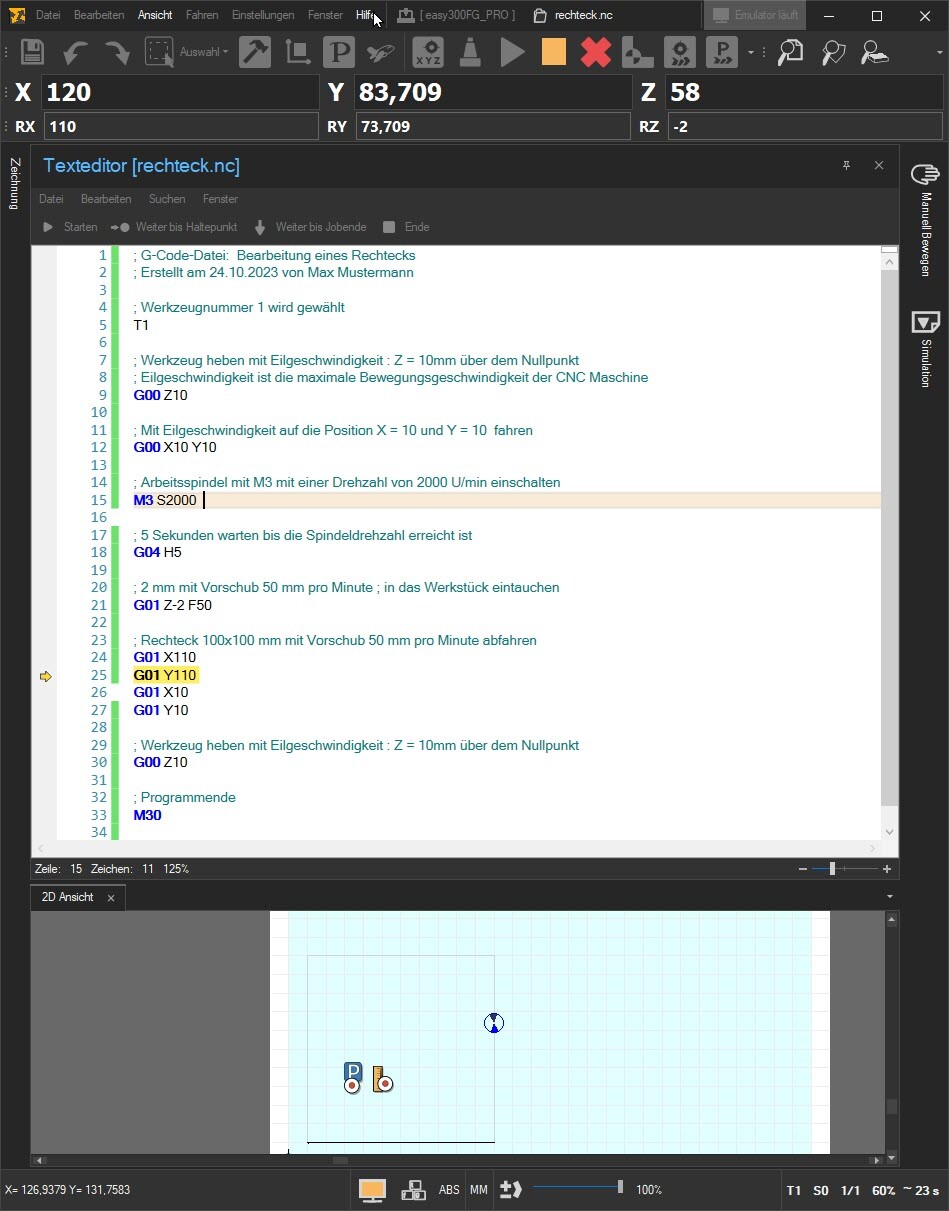
CNC programming: Learn G-code
In modern manufacturing, G-code is generated automatically by CAD/CAM software, which means that manual programming of G-code is rarely necessary. Nevertheless, it is important to know the basics of G-code programming.
-
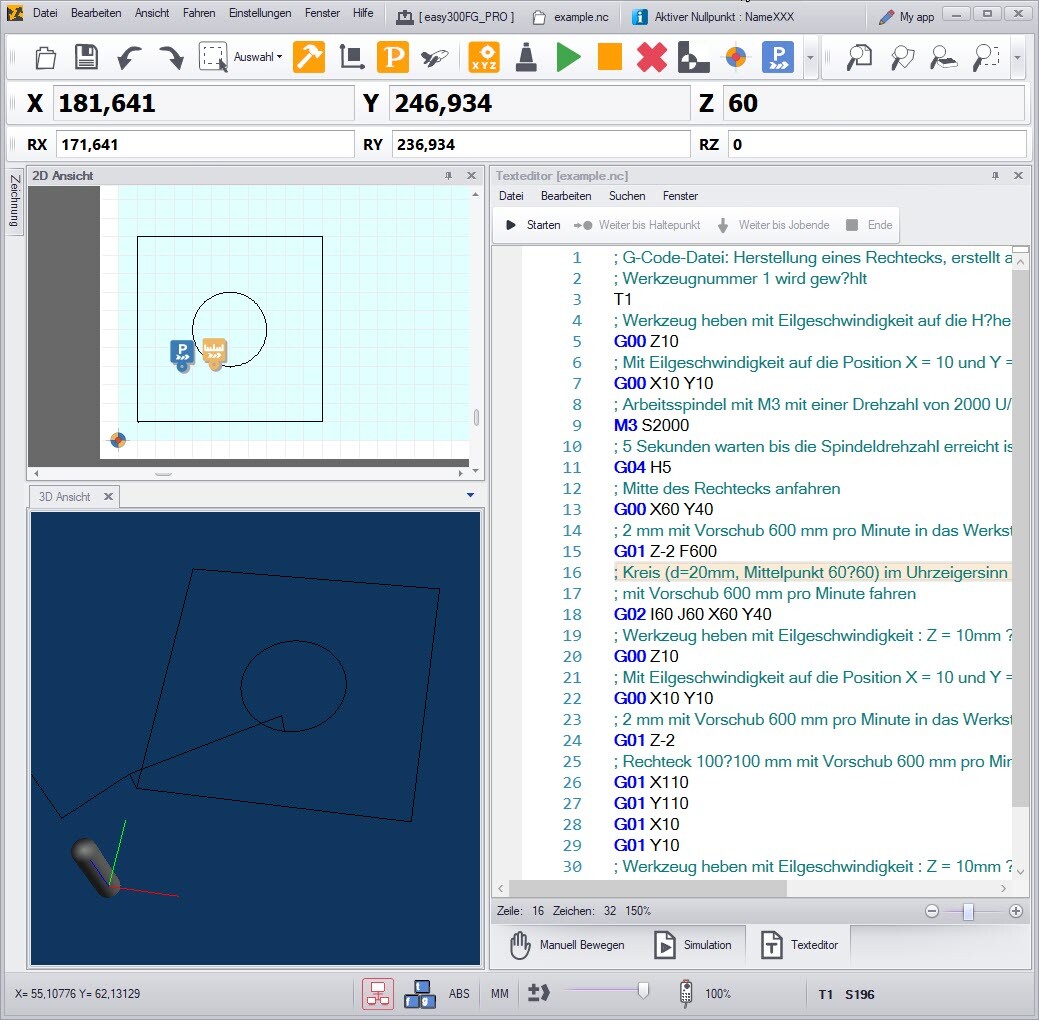
cncGraF: Free G-code simulator and CNC machine emulator
cncGraF offers an integrated G-code simulator and CNC machine emulator. Without a CNC controller, cncGraF can be used free of charge as freeware and is therefore ideal for simulating CNC processes. This article shows how you can use cncGraF as a free G-code simulator.
-
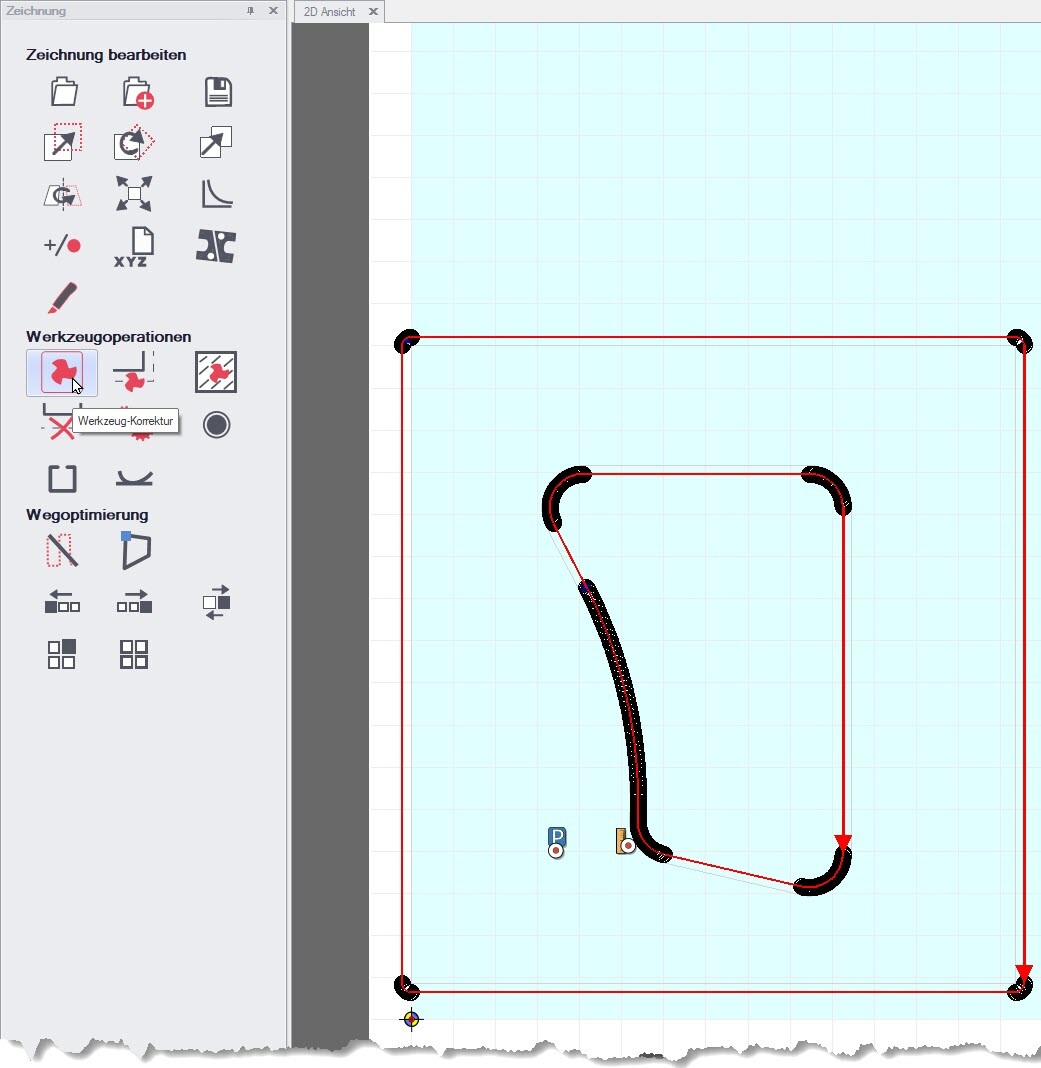
cncGraF: Milling DXF files without CAD/CAM software
In this blog article, you will learn how to mill a DXF file directly using cncGraF. This approach saves you from having to use CAD/CAM software, which saves both time and effort, as these programmes can often be complex and require training.
-
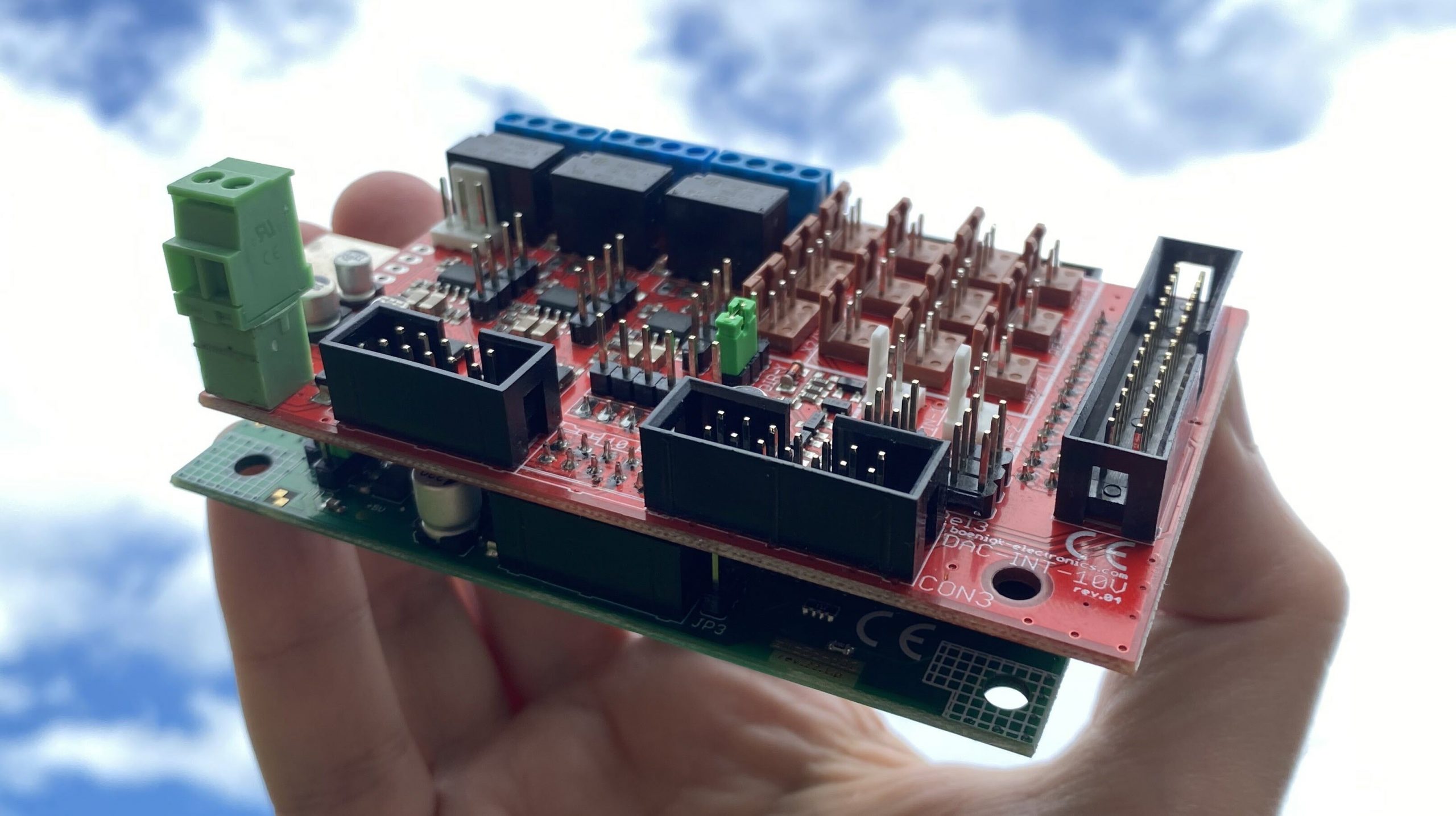
Setting the spindle speed for the CNC machine
In the following article, I will show you how to set up the spindle speed. First, the hardware, i.e. the frequency inverter with the interface card and the controller, is connected together. Then we make the spindle speed settings in the cncGraF software.