Download: cncGraF 7
cncGraF 7.00.060 for Controller smc5d-p32/m4
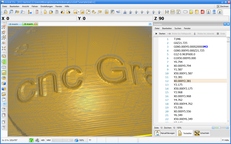
cncGraF 7.00.060 Std/Pro (32- and 64-bit version) for Windows XP/Vista/7/8/10
Tip: The free update to the latest cncGraF version is available.
Please click here to download the new version of cncGraF.
Installation instructions
- The old cncGraF Pro v6.93.xxx will not be overwritten.
- The settings can be exported from cncGraF Pro v6.93.xxx via „Settings -> Settings -> Save/Load“ and loaded into the new cncGraF 7.
- The following must be done to establish a connection with the USB controller:
- The controller must have at least firmware v1.41. It is best to update the firmware in the controller with the latest cncGraF Pro v6.93.xxx.
- The new driver must be installed. For this to be possible, the old driver must be completely uninstalled. The new driver is located in the programme directory „cncgraf 7\driver\“
 DOWNLOAD