cncGraF versions in comparison
In the table below you will find the main differences between the cncGraF versions Standard and Professional.
Please note that this table only emphasises the differences between the two versions for a better overview and does not show the entire range of functions.
You will also receive a brief overview of the different CNC controller variants in conjunction with the cncGraF versions. For example, the cncGraF standard version is only available for the smc5d-p32 CNC controller.
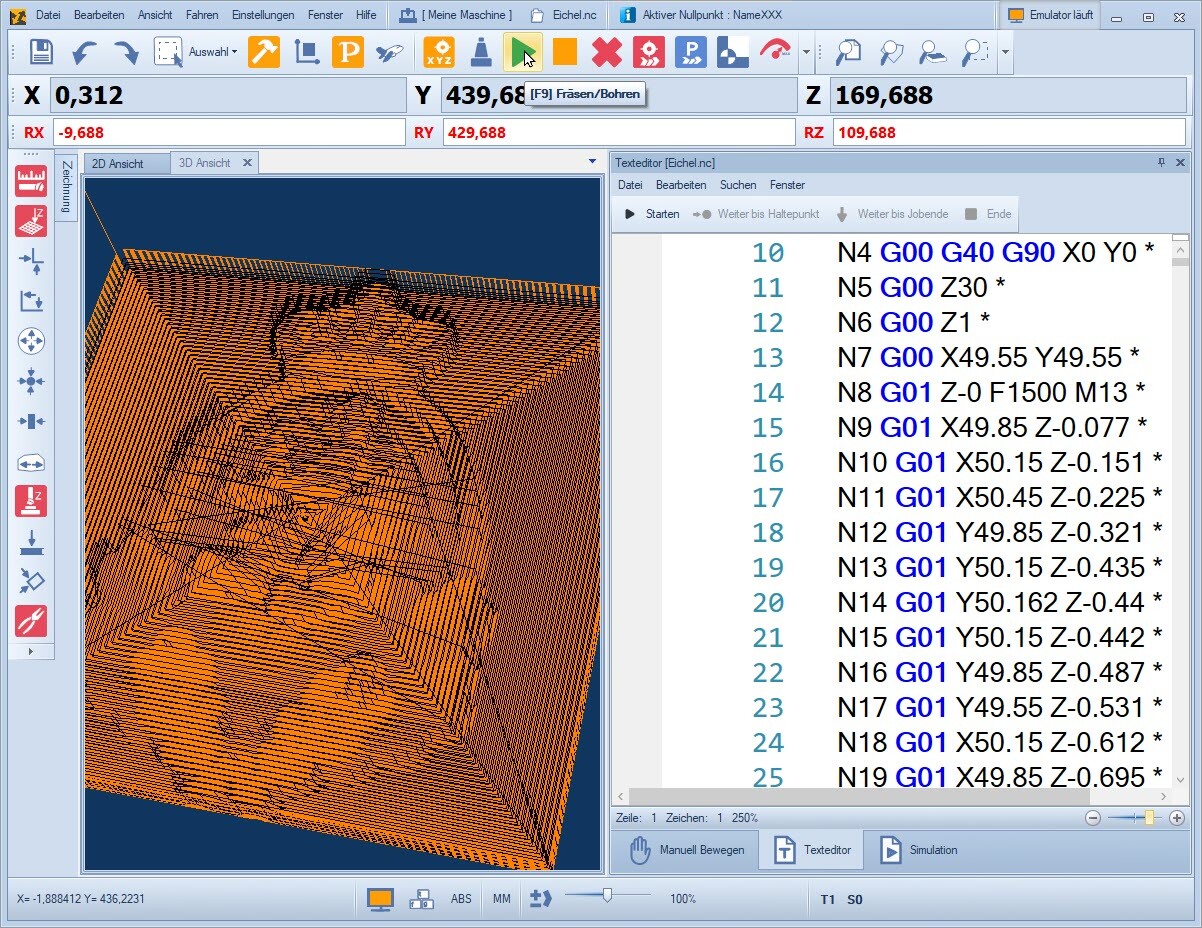
cncGraF versions -
Standard vs. Professional in a detailed comparison
| cncGraF 8 | Standard | Professional |
|---|---|---|
| CNC controller | smc5d-p32 | smc5d-p32 / smc5d-m4 |
| Connection | USB 2.0 (compatible with USB 3.0) | USB 2.0 (compatible with USB 3.0) / Ethernet |
| Maximum step frequency (kHz) | 64 | 150 / 300 |
| Controllable axes (interpolated) | 4 | 5 / 6 (applies to smc5d-m4 pro) |
| Input devices: Keyboard, gamepad, external control unit | Yes / Yes / - | Yes / Yes / Yes |
| 3D button | Calibration and surface scanning in X/Y/Z | Complete range of functions, consisting of around 10 functions |
| Surface scanning, height correction | Yes / - | Yes / Yes |
| Multiple measurements for increased precision | – | Yes |
| Rotary axis, tangential axis, Z2 | Yes / - / - | Yes / Yes / Yes |
| Automatic tool changer, angle unit | – / – | Yes / Yes |
| Additional slave controller | – | Yes |
| Swivel arm and vacuum table function | – / – | Yes / Yes |
| Spindle speed, spindle warm-up | Yes / - | Yes / Yes |
| Integrated scalp drag knife correction | – | Yes |
| Macro function, commands, Plugin Manager | – / – / – | Yes / Yes / Yes |
| SMC5D.core Class Library | – | Yes |
| Video positioning system | – | Paid add-on |
| TCP server/client and Modbus TCP client communication | – | Paid add-on |
All information is provided without guarantee or claim to completeness.
 Hinweis: Ein Upgrade auf die Pro-Version ist jederzeit durchführbar. Sie erwerben lediglich den CNC-Controller; die Software erhalten Sie gratis dazu. Alle Updates innerhalb der Standard- und Professional-Varianten sind kostenlos.