PDF documentation
CNC Controller SMC5D-m4 pro/lan
CNC Controller SMC5D-m4 pro/lan
Documentation, pin assignments for inputs and outputs and other technical descriptions of the controller.
 Documentation smc5d-m4 pro
CNC Controller SMC5D-p32
CNC Controller SMC5D-p32
Documentation, pin assignments, connection of 24V open collector, connection of inductive switches and other technical descriptions of the controller.
CNC Controller SMC4D-ul/u2
CNC Controller SMC4D-ul/u2
Pin assignment of the controller in both the box and circuit board versions.
Interface card DAC-INT-10V
Interface card DAC-INT-10V
Technical documentation for the DAC-INT-10V interface card.
Connection of 3D probe and tool length sensor
Connection of 3D probe and tool length sensor
Types of connection of the 3D probe and tool length sensor, directly to the controller or using the DAC-INT-10V interface card or IN-OUT connection board.
Relay cards NE6A and NR8
Relay cards NE6A and NR8
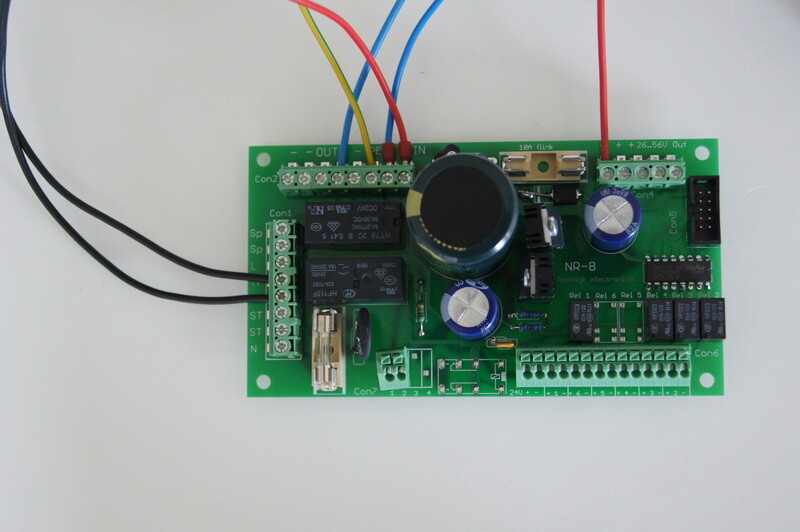
Technical documentation of the NE6A and NR8 relay cards and the pin assignment of the DAC-INT-10V interface card.
Connection of stepper motors, switches & buttons
Connection of stepper motors, switches & buttons
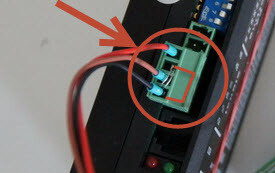
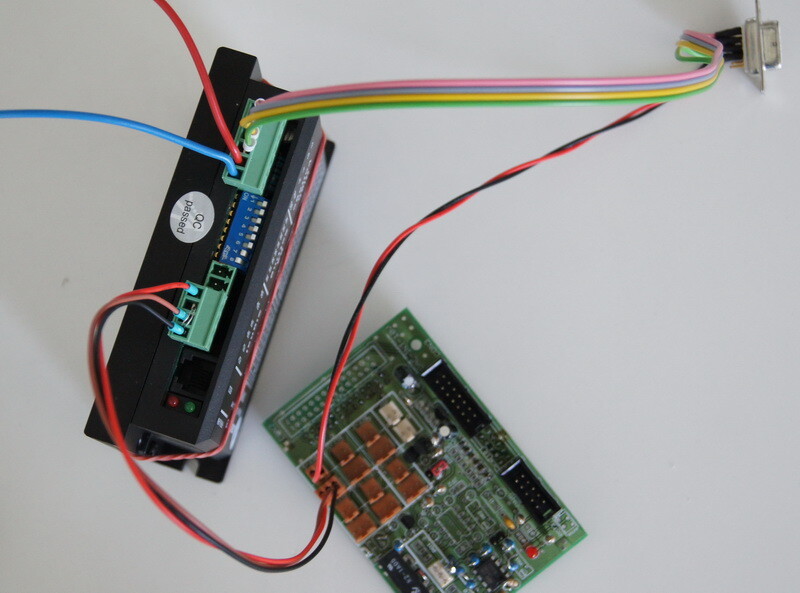
Pin assignment of the 9-pin D-SUB connector for 2-phase stepper motors and connection of reference switches and buttons/length sensors.
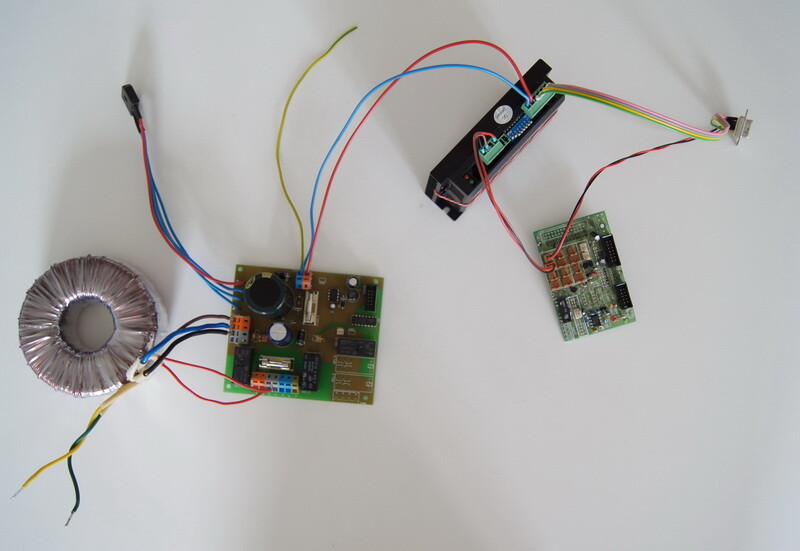
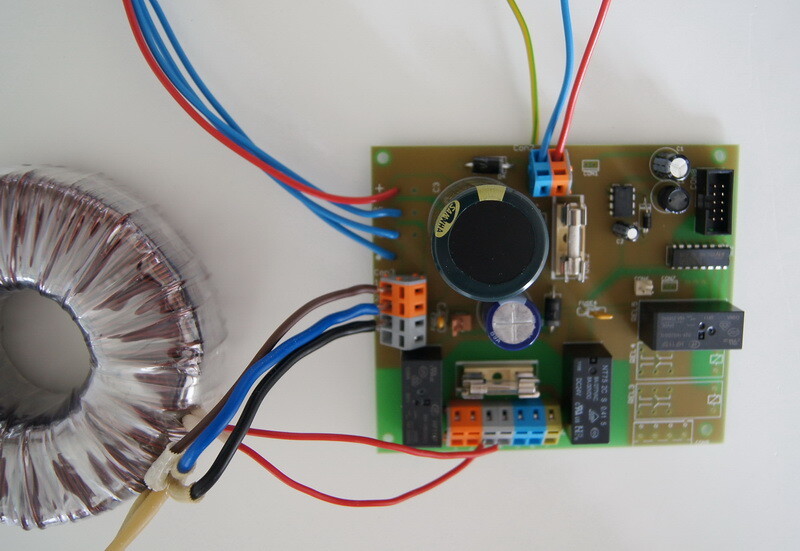
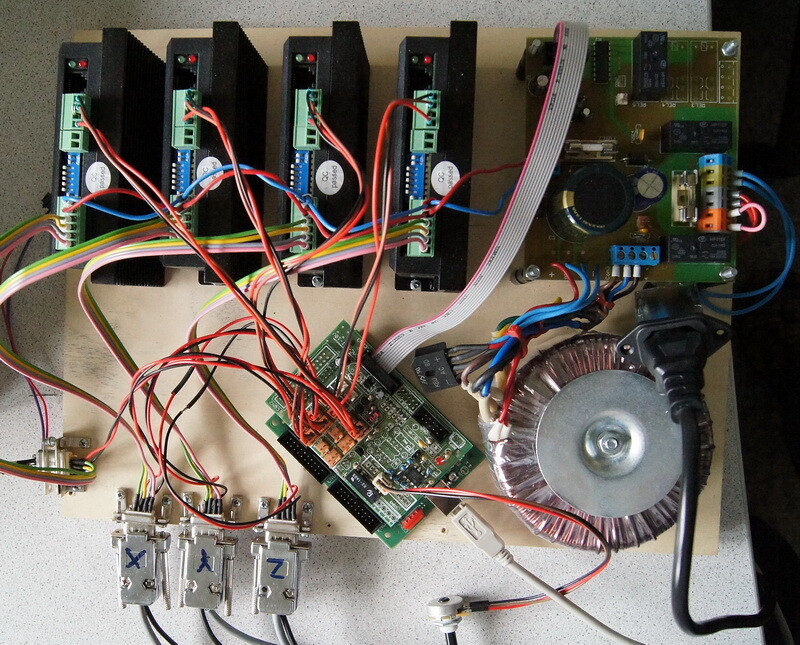
Circuit diagrams and assembly drawings
Circuit diagrams and assembly drawings
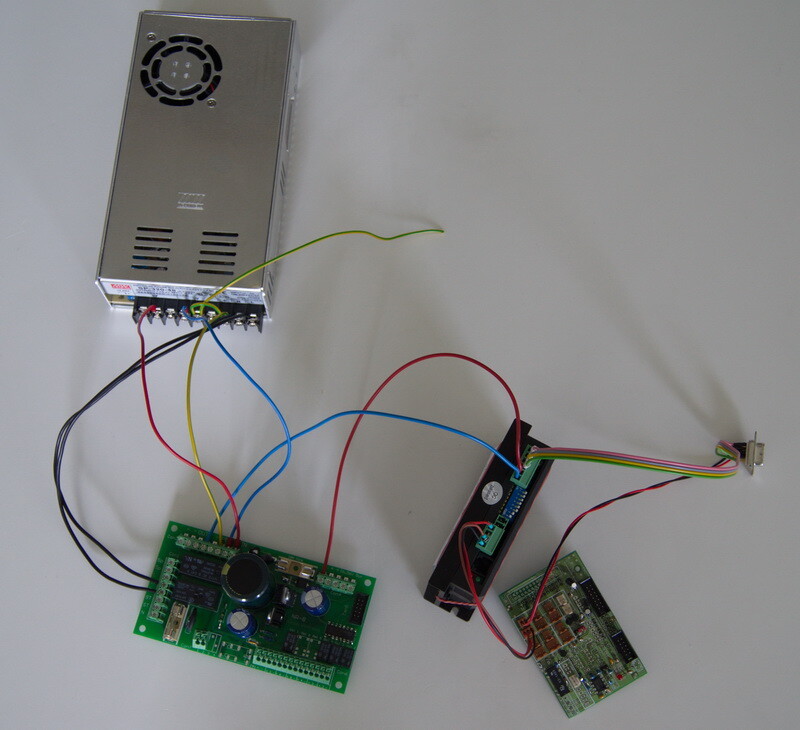
Detailed wiring diagrams for CNC control electronics - NR8 transformer/switching power supply and NE6A transformer as well as installation illustrations.
Assembly diagrams of the control electronics
Handwheel connection and special functions
Connection of handwheel
Technical data and descriptions for connecting the electronic handwheel and the NA2 connection board for handwheel and industrial joystick.
Freely programmable function buttons F1-F12. The keys can be labelled.
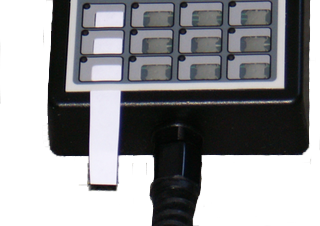
Special functions of the handwheel (requires firmware 0.26)
F2 + F3 (change of direction in Rapid Move mode): Change the direction of travel directly with the rotary wheel without using the +/- buttons.
F10 + F11 (change direction of travel for X/Y): Select an axis (X or Y) and change the direction of travel.
F6 + F7 (buzzer on/off): Switch the acoustic signal on or off.
F3 + F4 (encoder/potentiometer selection): Use this key combination to select between encoder and potentiometer. The setting depends on the handwheel hardware and should not be changed.
Note: The buttons must be held down for about 2 seconds to activate or change the functions.