cncGraF 8: Unique range of functions
cncGraF 8 is our CNC control software designed for CNC machines with up to 6 axes and is used in conjunction with our CNC controllers. There are two versions of cncGraF 8: Standard and Professional.
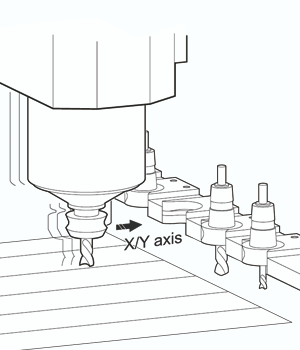
The standard version offers a comprehensive range of functions for machines with up to 4 axes. The Professional version, on the other hand, supports the full range of functions and professional functions such as automatic tool changer, double drive for X/Y, scanning function, Z2 axis and much more for machines with up to 6 axes. The professional version can be heavily customised and expanded using macros and third-party plug-ins. An upgrade from the standard to the professional version is possible at any time.
The following is a list of the most important functions.
Overview
User interface
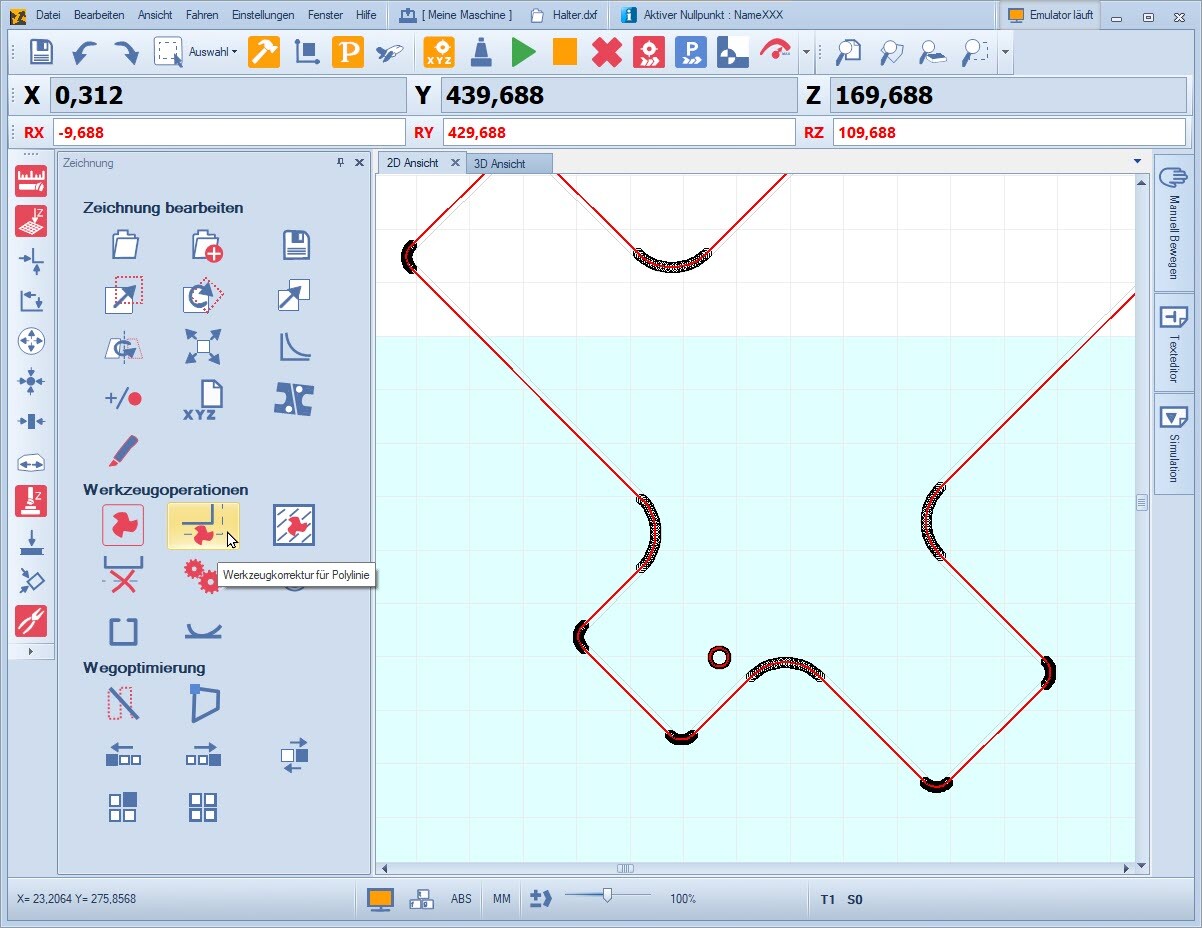
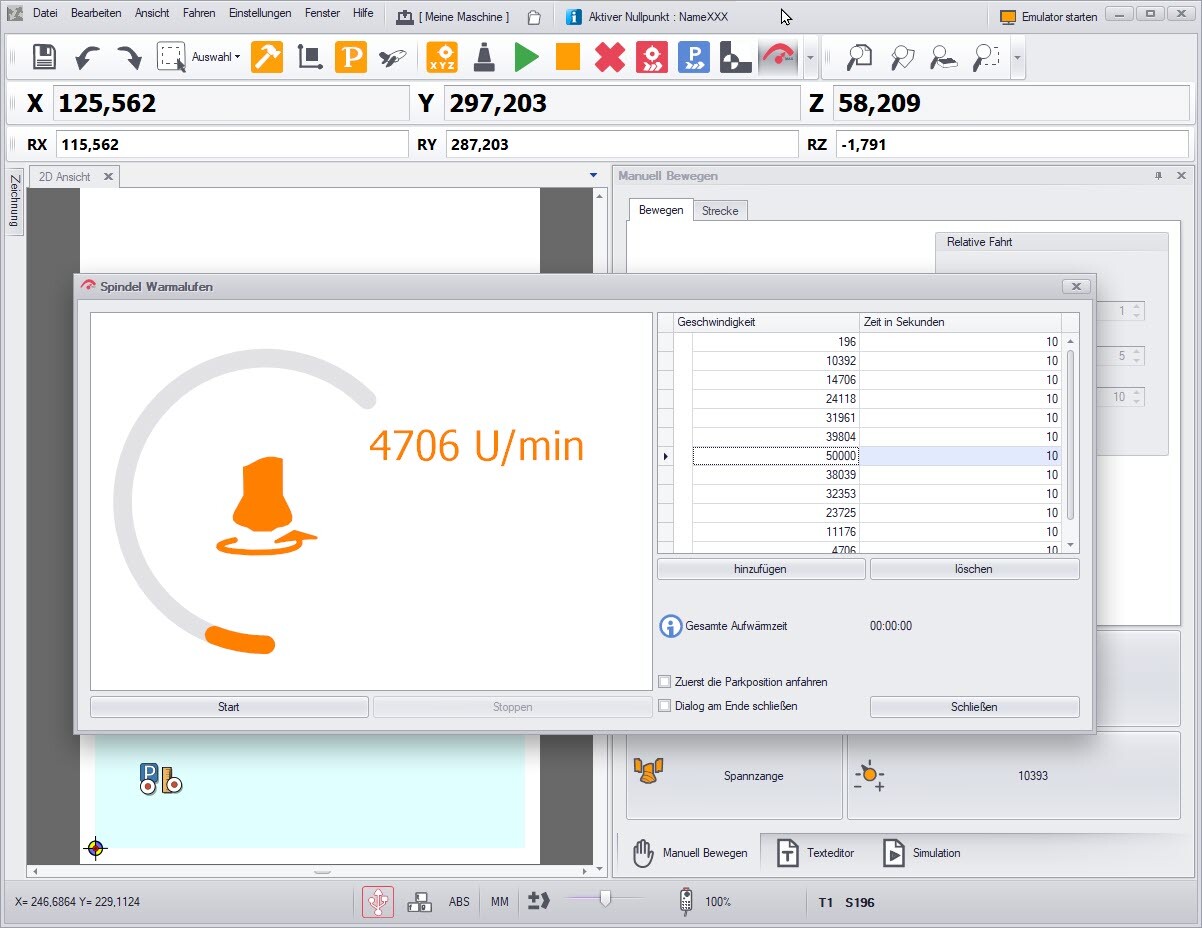
- Modern, customisable, touch-enabled user interface optimised for high screen resolutions
- 2D/3D display of drawing, machine area and workpiece
- „Move manually“ dialogue - flexibly configurable and customisable
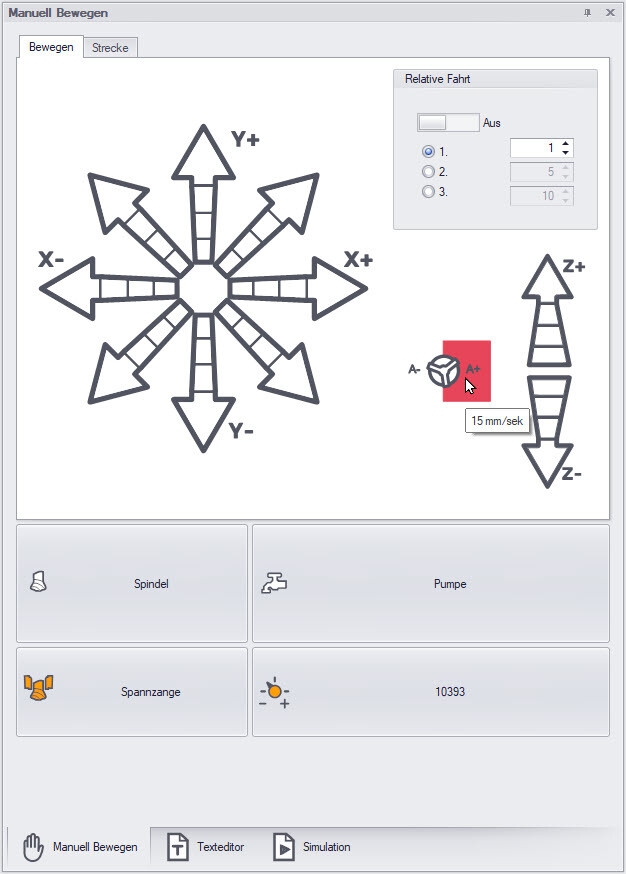
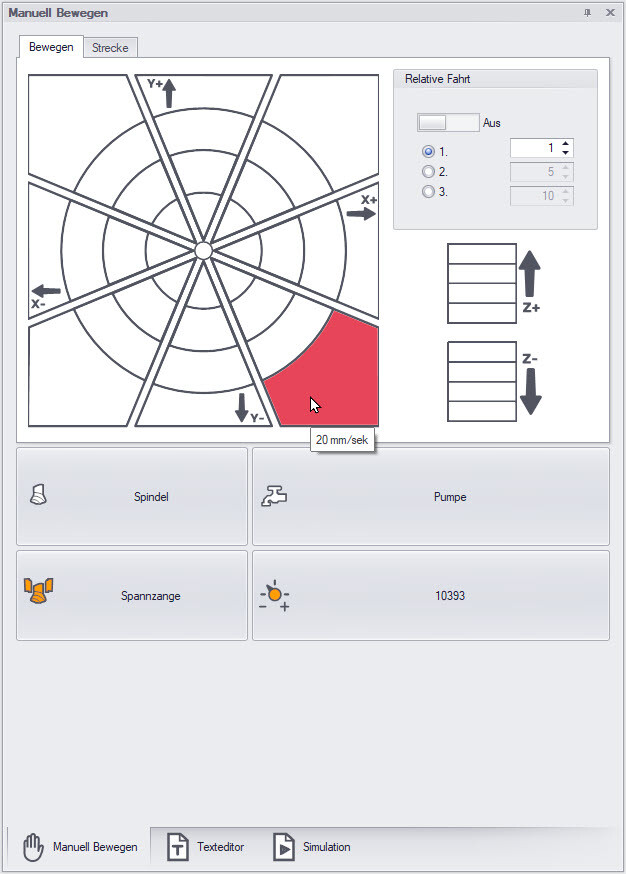
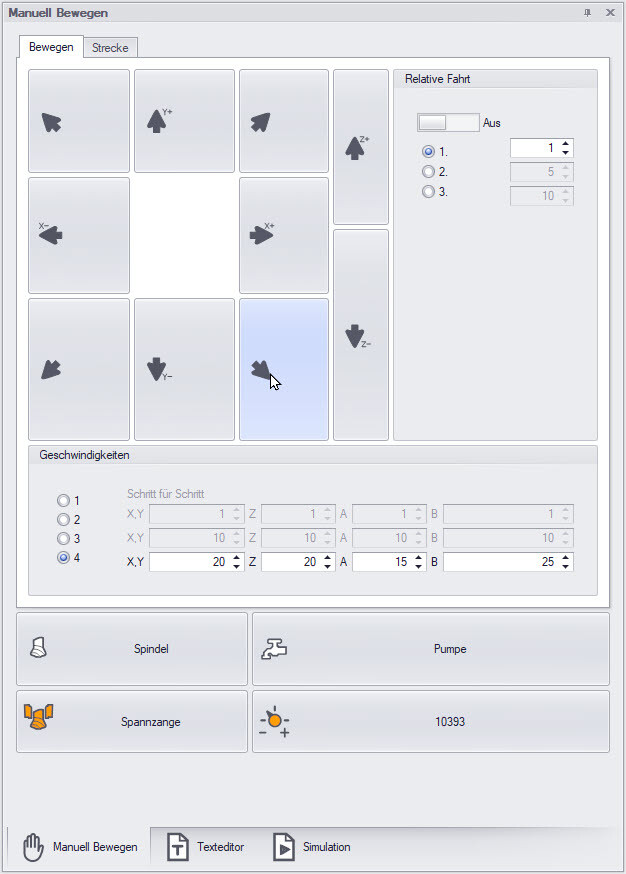
- Graphic display of the machine position and work progress
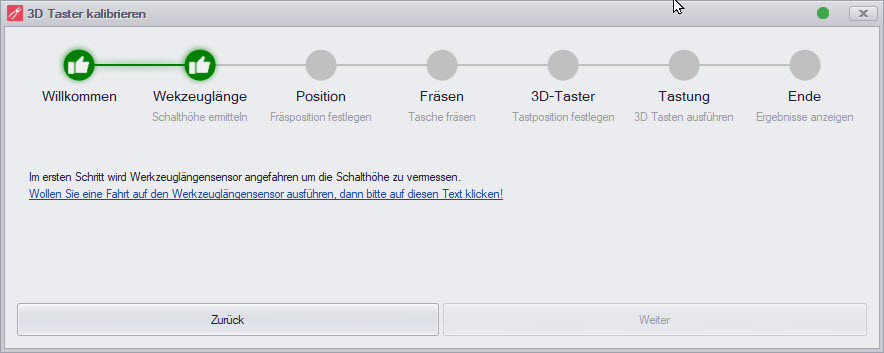
- Integrated wizards, e.g. wizard for calibrating the tool length sensor, wizard for calibrating the 3D probe or wizard for setting up the machine parameters
USB or Ethernet communication
cncGraF enables communication with the smc5d-p32 CNC controller via the USB interface or with the smc5d-m4 CNC controller via the USB or Ethernet interface. Further information on the CNC controllers can be found here.
File import: DXF and G-Code
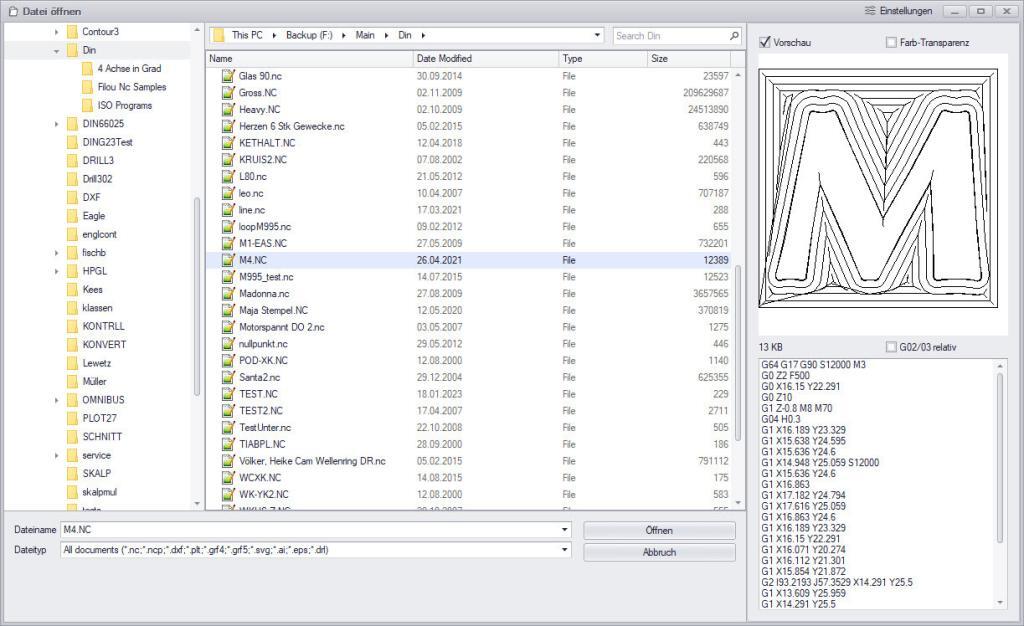
- Import of file types: HPGL, DXF, ISEL NCP,
G-Code (command coding according to DIN 66025) - Insert multiple drawings (2D files only)
- Preview window
Tool palette: Simple editing of DXF files
The tool palette offers straightforward editing of 2D files such as DXF, including tool corrections and the definition of milling sequences. A highlight of the tool palette is the intuitive function for setting pockets with islands, which enables users to master complex milling tasks with ease.
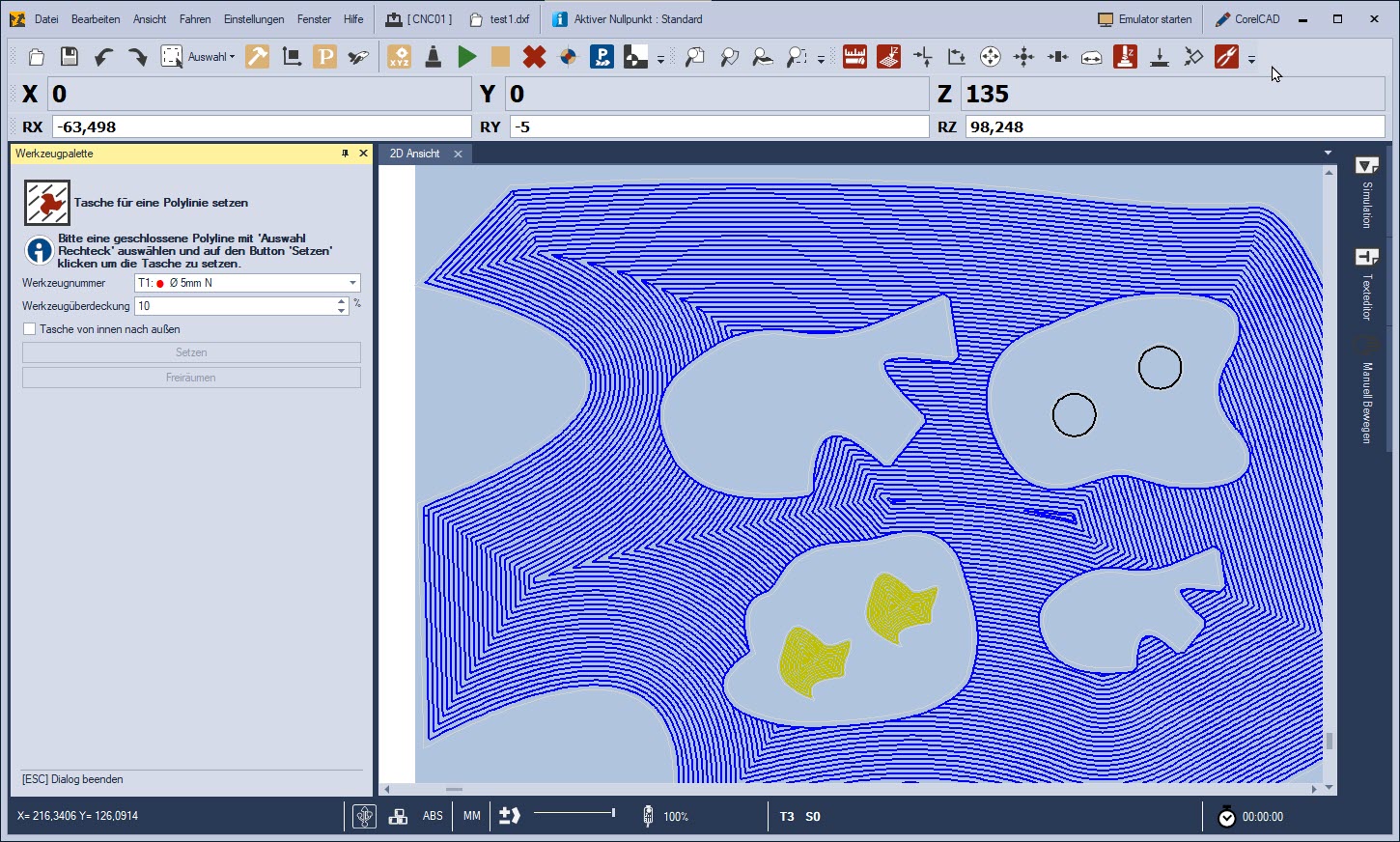
cncGraF enables the direct milling of DXF files without the use of CAD/CAM software. To find out more, please read our blog article on this topic.
3D probe and swivel arm
- Wizard for 3D probe calibration
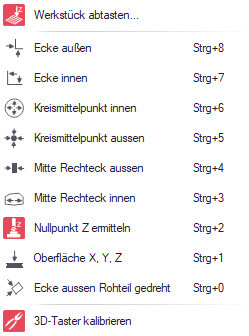
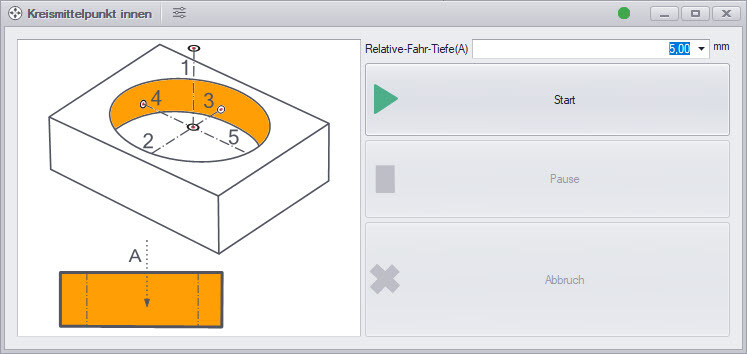
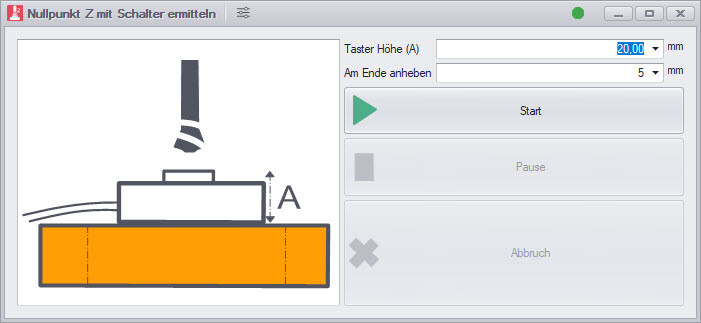
- Around 10 functions for 3D probes, e.g. scanning edges, determining circle centres, determining zero point Z and much more
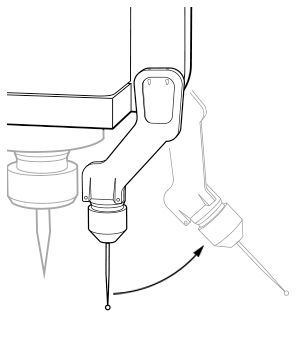
- The swivel arm function is available for automatic lowering/raising of the 3D probe
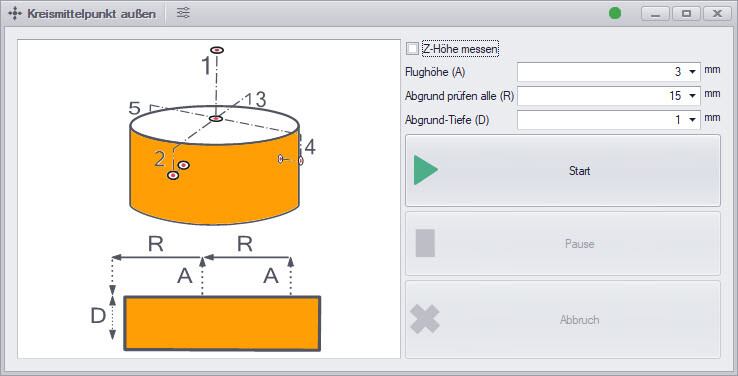
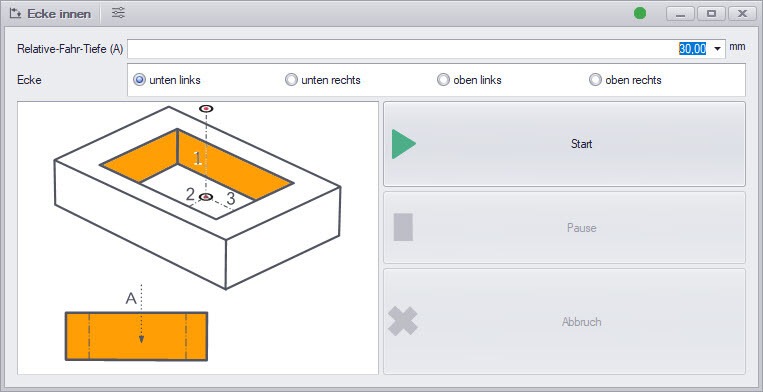
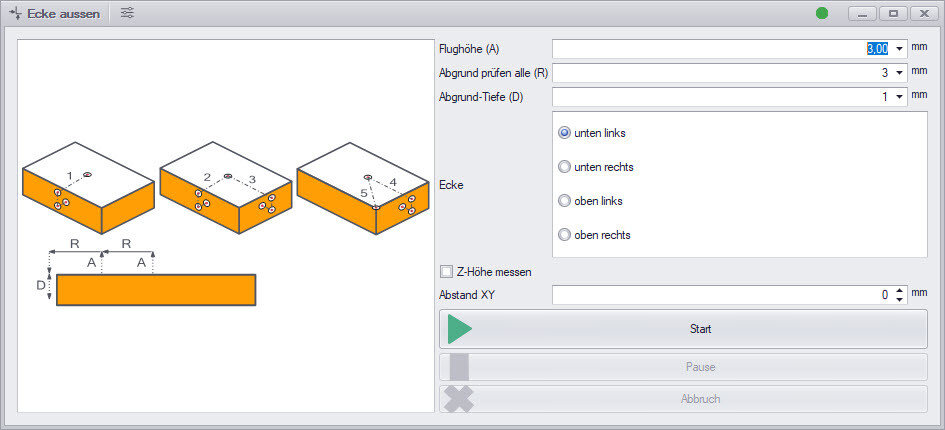
Multiple measurements for greater precision
Multiple measurements, such as the measurement of tool lengths or the scanning of edges using a 3D probe, and the subsequent aggregation of the measurement results, increase the measurement accuracy.
Another advantage of the new function is the integrated error detection. If a measured value deviates too much, the software automatically issues an error message and cancels the process.
Automatic tool changer
- Management of an unlimited number of tools, including tool monitoring
- User-friendly menu for setting up a tool changer
- Storage of tool lengths in the tool store to avoid unnecessary measurements
- Quick tool change in just one step
- By using macros, tool changer settings can be customised, changed or completely replaced. This makes it possible to control any type of tool changer.
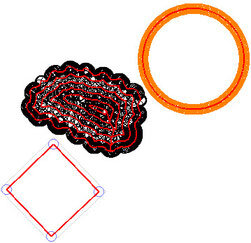
Tool correction with the graphical display
Tool compensation is a function that determines whether the tool is offset to the left or right of the vector of the drawing. cncGraF can perform tool offset to the left, right, inside and outside. A simple pocket function is also integrated for 2D files.
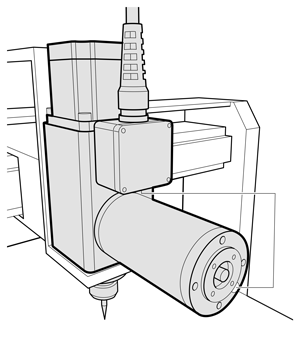
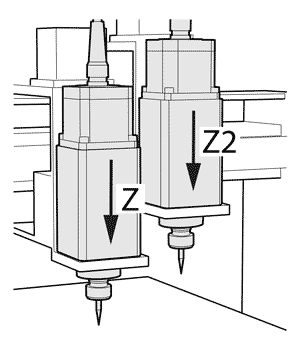
Tangential knife, Z2, rotary axis, 6 axes
- Operation of two parallel Z-axes for simultaneous machining
- Use of rotary axes and oscillating tangential knives is natively supported by cncGraF
- Support for up to 6 axes (depending on the CNC controller version)

Spindle speed control
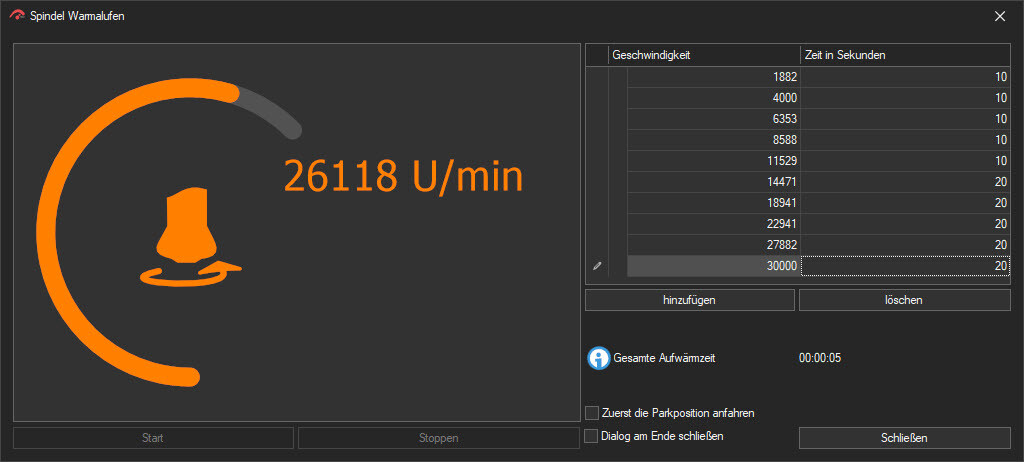
and warm-up of the spindle
cncGraF 8 supports spindle speed control in 255 steps and enables targeted warm-up of the spindle before the actual machining process. This increases the service life of the spindle and improves the precision of the machine.
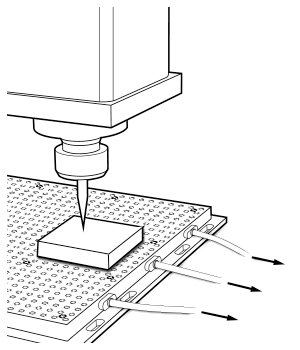
Vacuum table
The integrated vacuum table control allows intelligent, automatic and area-dependent control of a vacuum table with different zones.
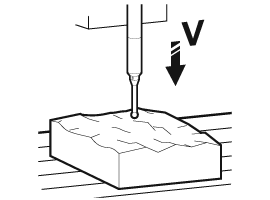
Scanning function for height correction
This function can be used to engrave on uneven workpieces. Before engraving, the surface is scanned in the Z direction in a preset grid. The data obtained is used to correct the Z-axis to ensure a constant plunge depth. Scanning data can be exported. An integrated safety function „cancellation at tolerance“ avoids errors.
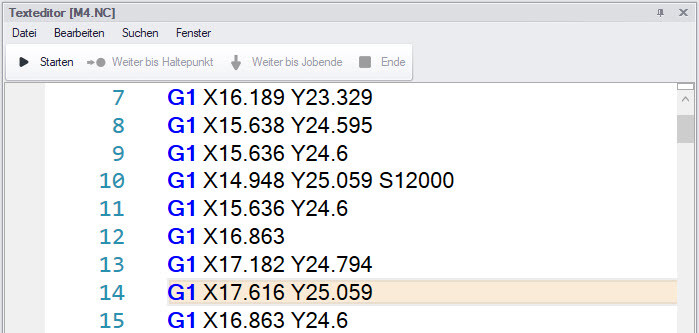
Integrated text editor for G-code
The integrated text editor for G-code enables direct editing and modification of the G-code within the cncGraF application. Users can easily make changes, add comments or check code sequences without having to switch to an external editor.
- G-code commands can be executed line by line or up to a specific point.
- Add commands to the G-code file using autocomplete (Ctrl + spacebar) to extend the functionality.
- Macros can be inserted into the G-code.
- Thanks to the sub-programme management, you can maintain an overview.
- Additional functions such as loops, IF statements or R parameters.
G-code with additional functions
Our G-Code interpreter supports standard commands according to DIN66025, but also many additional functions such as loops, ‚IF‘ statements or ‚R‘ parameters for improved programming and flexibility.
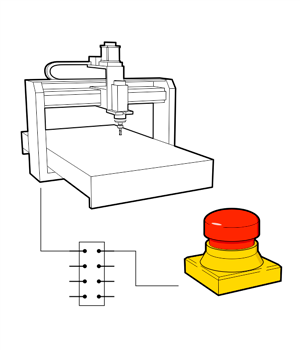
Safety functions for bonnet, emergency stop and error messages
cncGraF has advanced safety functions that allow the user to define customised error messages. It is also possible to configure bonnet and emergency stop signals.
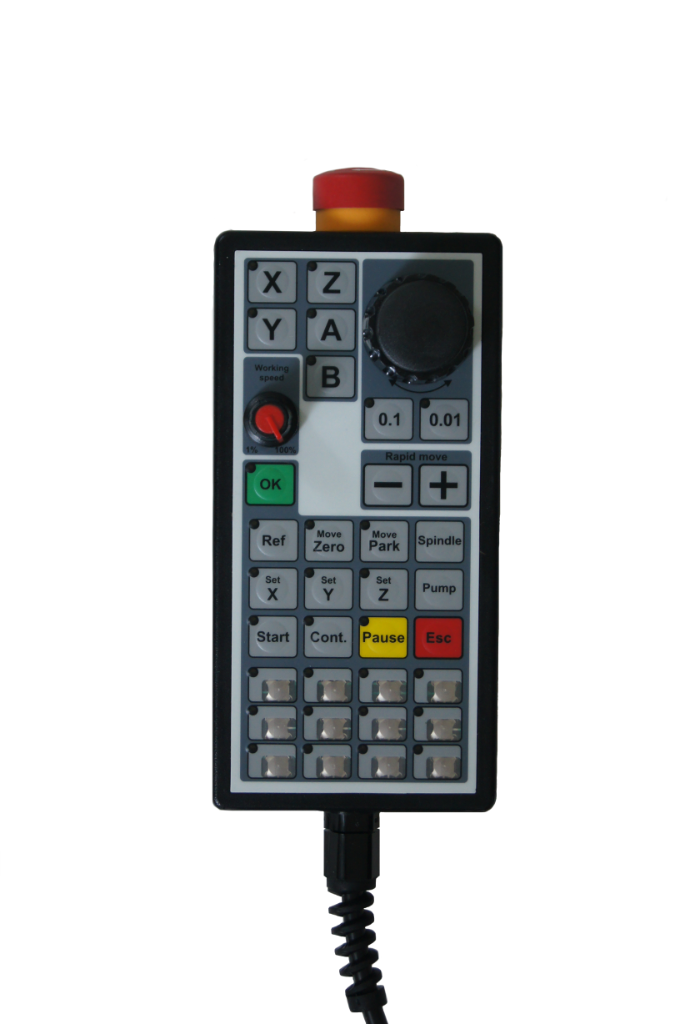
Electronic handwheel for precise control of CNC machines
Our optional handwheel enables convenient manual control of the machine. You can stand directly at the machine and position it precisely. The handwheel has built-in functions such as performing a reference run or moving to the zero point.
Find more information about the handwheel here.
Macros
Freely programmable macros offer a powerful tool for increasing efficiency and customising individual work processes in our cncGraF control software. Macros can be used to define customised work sequences that can be executed at various points during a work process. Macros can also be used in combination with our handwheel.
Plugins
With optional plugins, cncGraF can be extended with numerous functions. Examples include the register mark recognition system or the tool correction function. We develop plugins for customised functions and requirements on request.
Further functions
- Angle unit for angled or inclined cuts
- Live speed display, milling run time and stopwatch
- Machine control with Microsoft Xbox Gamepad
- Determination of the milling and total running time of the machine
- Stop function for milling/drilling and continuing
- Path optimisation with smoothing function
- Linking of settings for various CNC machines on the Windows desktop
- Control 3 analogue outputs (0-10Volt) via G-code (DIN66025)
- Area monitoring of the axes
- Backlash for axles
- EasyMarker video positioning system
- Management of zero points, parking and measuring positions
- Motor current reduction in idle state
- Handwheel-controlled dialogues
- Password protection for machine parameters
- Drawing editing: centring, copying, rotating, mirroring, stretching
- TeachIn for position storage
- Integrated scalp drag knife correction
- Control several machines with one PC
 Laser cutting
- TCP server/client and Modbus TCP client communication
- and much more.
cncGraF 8: System requirements
- Operating system: Windows 10/11 (64-bit version)
- RAM: 4 GB (recommended for processing large files > 4 GB)
- Connections: USB 2.0 (compatible with USB 3.0), optional Ethernet (LAN)
- Control electronics and controller: smc5d-p32 or smc5d-m4