Download cncGraF CNC Control Software
Download cncGraF 8: Software for controller smc5d-p32/m4
cncGraF 8.0.112 Std/Pro for Windows 10/11 (64-bit)
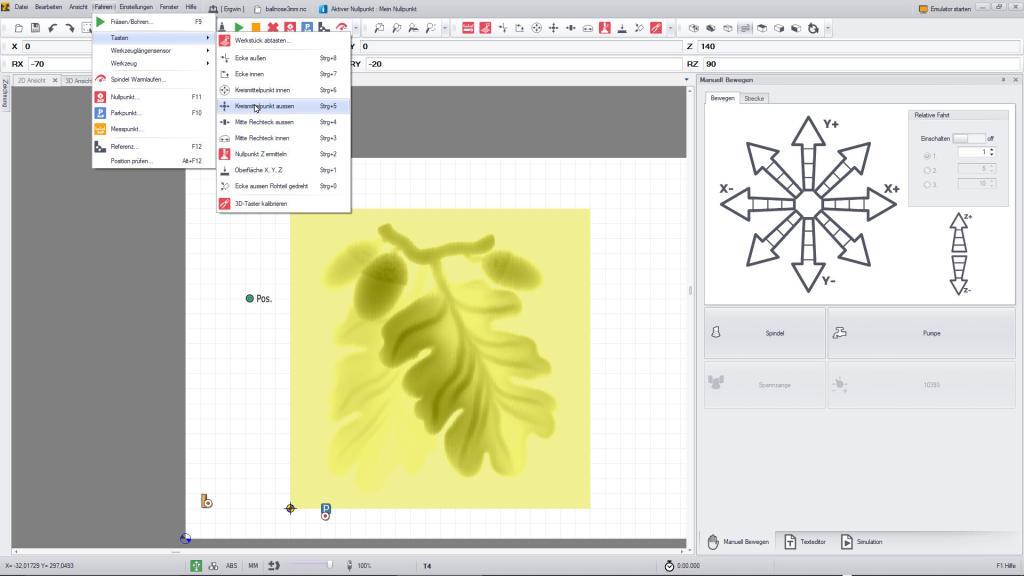
 readme8.pdf
cncGraF 8 is the successor to cncGraF v7.1. The update is free of charge for all cncGraF users.
You can find out how to upgrade to cncGraF 8 here.
Download cncGraF 7.1: Software for controller smc5d-p32/m4
**Note**: This is the final version of cncGraF 7.1. This version will no longer be supported. To continue receiving support and updates, please upgrade to cncGraF 8 free of charge.
You can find out how to upgrade to cncGraF 8 here.
cncGraF 7.1.112 Std/Pro (32- and 64-bit versions) for Windows 7/8/10/11
cncGraF 7.1 is the successor to cncGraF v7.0. The update is free for all cncGraF users.
**Caution:** Check the collet chuck output. If you are using an output higher than 7, the collet chuck output must be reset.
Download USB drivers for smc5d-p32/m4
If you wish to install the USB drivers manually,
you will find these in the programme directory (here cncGraF 8):
„c:\program files\boenigk\cncgraf8\driver“
You can download the USB drivers here too.
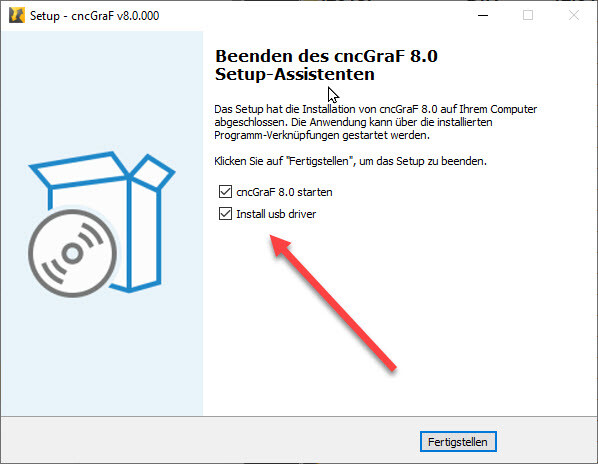
 Tip: You can also have the USB drivers installed automatically. At the end of the installation, please tick the box for „Install USB drivers“ (see screenshot below).
Older cncGraF versions
cncGraF 7.0
This version requires the smc5d controller.
Click here to go to the download page…
CncGraF 6.93
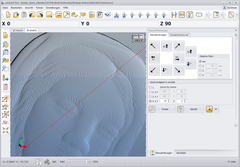
This version is the first version for the smc5d controller.
Click here to go to the download page…
cncGraF 5.05
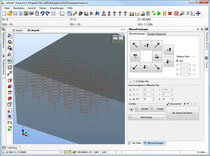
cncGraF Version 5.05 uses the smc4d controller, which was sold until 2010. This is the last version for this controller type.
Click here to go to the download page...